- How to Build a Website People Actually Enjoy Using – and Trust
- 1. Design for Human Thinking – Not for Systems
- UX Design for Small Businesses: Key Principles to Follow for Success
- What works:
- 2. Speed Is UX (AI Can’t Save a Slow Website)
- Real behavior data shows:
- UX-driven speed improvements:
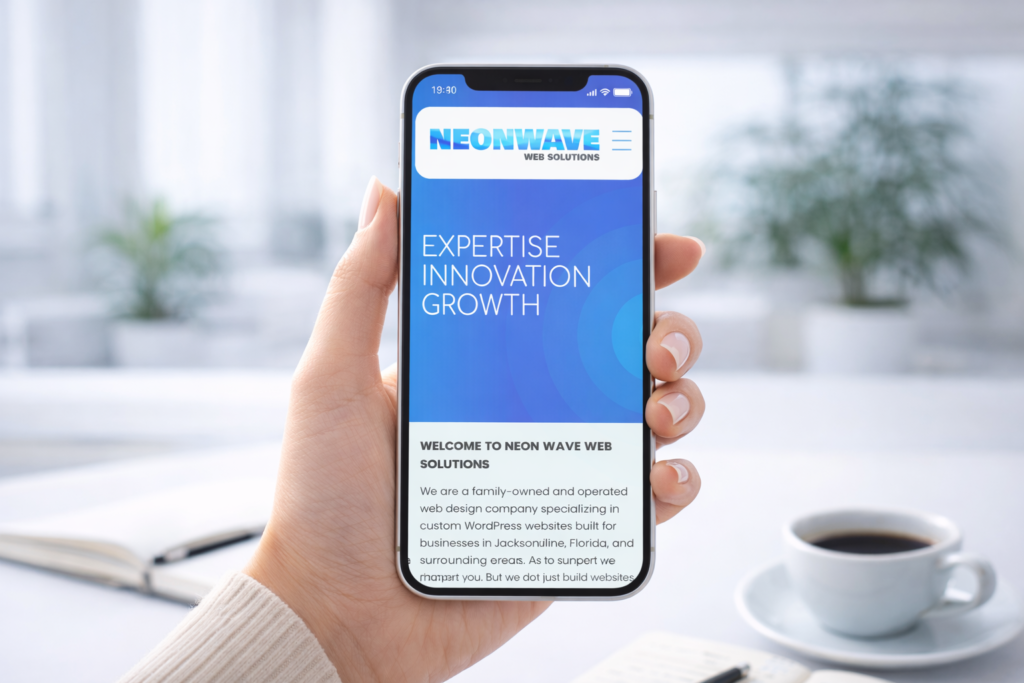
- 3. Mobile UX Is Not Optional – It’s the Default
- High-performing mobile UX:
- 4. AI Should Support UX – Not Replace Human Trust
- AI improves UX when it:
- AI hurts UX when it:
- 5. Reduce Cognitive Load: Less Choice = More Action
- 6. Visual Calm Builds Trust Faster Than Fancy Design
- 7. UX Is an Ongoing Process – Not a One-Time Launch
- 8. UX Is How Your Business Feels Online
- Here’s a list of what you read today:
How to Build a Website People Actually Enjoy Using – and Trust
In today’s AI-accelerated world, users decide whether to trust your business in seconds.
They don’t read – they scan.
They don’t explore – they test.
And if something feels confusing, slow, or artificial, they leave.
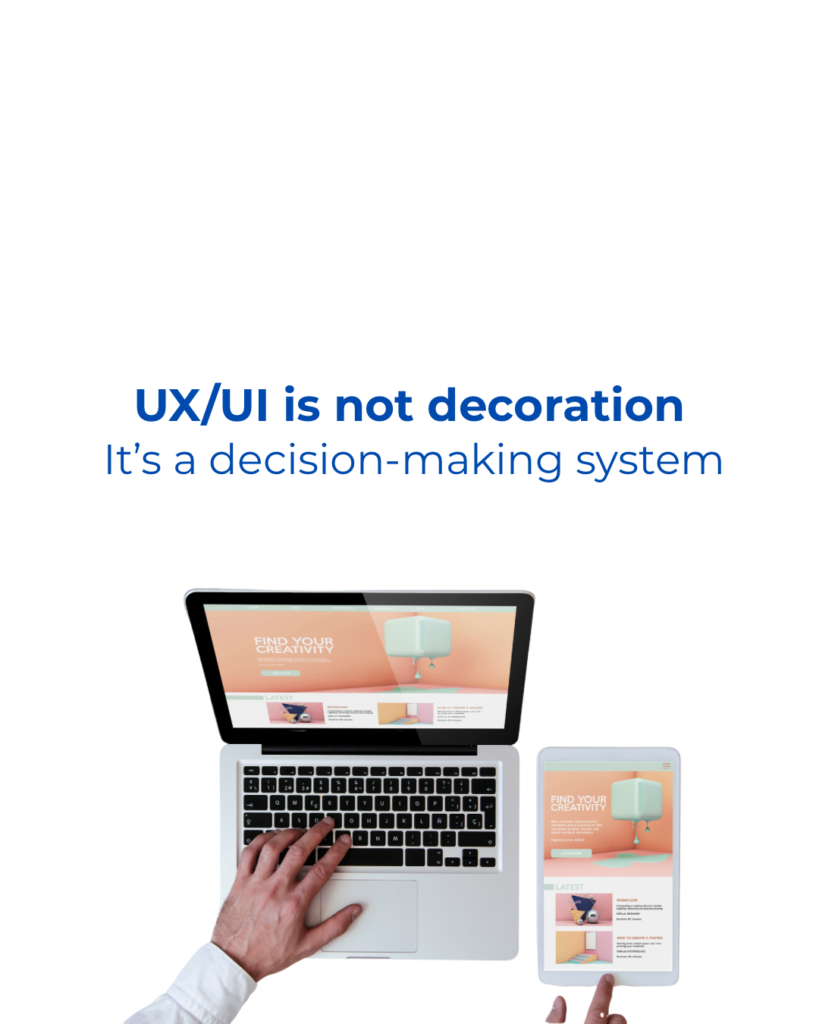
Great UX is no longer about trends or decoration.
It’s about clarity, speed, and emotional comfort.
Below are the most effective, proven UX strategies we implement for small businesses, particularly focusing on UX design for small businesses at Neon Wave Web Solutions. Integrating UX design for small businesses into your strategy can lead to improved user engagement and satisfaction, ensuring your approach is tailored for success in the modern AI-driven web. By emphasizing UX design for small businesses, you enhance the overall customer journey and drive better outcomes. Understanding UX design for small businesses is crucial for creating user-centered experiences that foster loyalty and trust.
1. Design for Human Thinking – Not for Systems
UX Design for Small Businesses: Key Principles to Follow for Success
By prioritizing UX design for small businesses, you enhance the overall customer journey and drive better outcomes.
Understanding UX design for small businesses is crucial for creating user-centered experiences that foster loyalty and trust.
Emphasizing UX design for small businesses will ensure your digital presence is both user-friendly and effective.
Effective UX design for small businesses creates a seamless online experience that resonates with users and builds brand loyalty.
Many websites fail because they’re built around:
Users don’t think like systems. They think in goals.
What works:
- One clear primary action per page
- Predictable navigation (no clever experiments)
- Obvious next steps
Rule of thumb:
If a first-time visitor has to think about where to click, UX is already broken.
💡 Successful UX feels invisible.
2. Speed Is UX (AI Can’t Save a Slow Website)

AI chatbots, smart forms, animations — none of it matters if your site is slow.
Real behavior data shows:
- 1–2 seconds: user stays
- 3 seconds: hesitation
- 4+ seconds: exit
UX-driven speed improvements:
- Lightweight layouts
- Optimized images (no oversized visuals)
- Minimal scripts
- Mobile-first performance
🚀 The best website is the one that loads instantly.
3. Mobile UX Is Not Optional – It’s the Default
Over 60% of small business traffic comes from mobile devices.
Yet most websites are still desktop designs squeezed into a phone.
High-performing mobile UX:
- Thumb-friendly buttons
- Vertical flow (no tiny columns)
- Click-to-call & click-to-book actions
- Zero pop-ups block content
📱 If your website is annoying on mobile, users assume your business is too.
4. AI Should Support UX – Not Replace Human Trust
AI is powerful – but dangerous when overused.
AI improves UX when it:
- answers simple questions quickly
- guides users (not traps them)
- reduces friction
AI hurts UX when it:
- replaces real contact options
- forces conversations
- feels fake or scripted
5. Reduce Cognitive Load: Less Choice = More Action

Too many options = no decision.
Instead of:
❌ 10 buttons
❌ 6 competing messages
Use:
✅ One clear path
✅ One promise
✅ One reason to act
🧠 UX is psychology — not decoration.
6. Visual Calm Builds Trust Faster Than Fancy Design
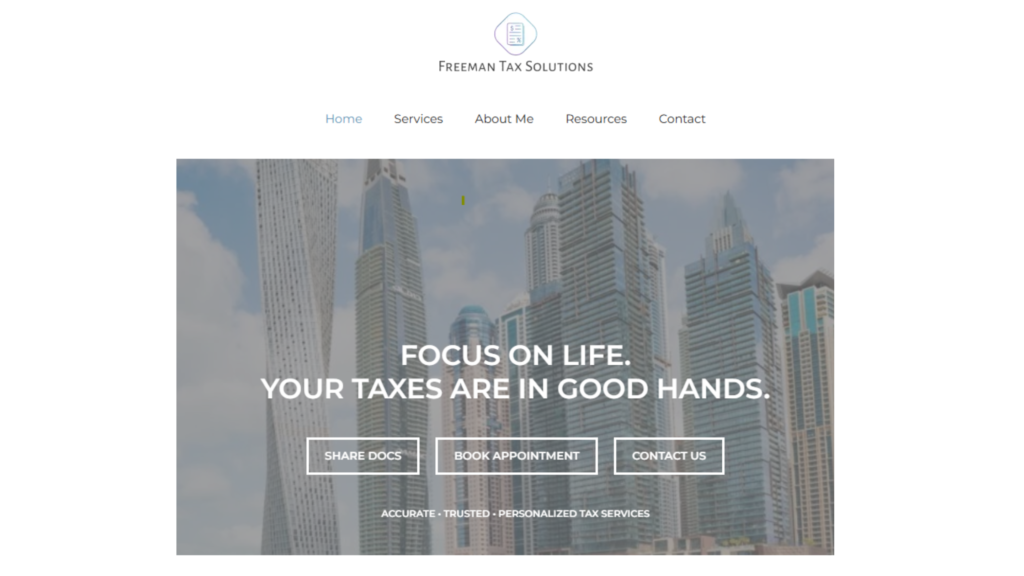
One of the examples of our web design for CPA company here freeman-tax.com
Users associate visual calm with:
- professionalism
- reliability
- safety
What successful UX avoids:
- aggressive colors
- cluttered layouts
- excessive animations
What works:
- clean spacing
- readable typography
- consistent color logic
✨ Calm websites convert better than flashy ones.
7. UX Is an Ongoing Process – Not a One-Time Launch
The best small-business websites:
- evolve with user behavior
- adapt to new devices
- simplify over time
Smart UX maintenance includes:
- reviewing analytics
- improving weak pages
- removing unnecessary elements
- adjusting CTAs
🔄 UX is not about trends – it’s about listening.
8. UX Is How Your Business Feels Online
In the AI era, anyone can generate a website.
But not everyone can make users feel comfortable, confident, and ready to act.
Great UX:
- earns trust silently
- removes friction
- turns visitors into clients
At Neon Wave Web Solutions, we design websites that don’t just look modern –
They work, load quickly, feel intuitive, and convert.
Here’s a list of what you read today:
- small business website UX
- website user experience design
- UX design for small businesses
- improve website UX
- modern website UX
- mobile UX design
- website usability tips
- AI website user experience
- conversion-focused UX
- UX best practices 2025
Our contact info can be found here
🌊 Because the best website isn’t the fanciest one — it’s the one people enjoy using.